
How does WikiAlerts monitor Wikipedia changes?
WikiAlerts subscribes to Wikipedia's live edit feed for every page on a user's watch list. The moment a watched page is edited, it emails the user a diff showing what changed and by which editor account, with a one-click option to revert clear vandalism.
WikiAlerts™ monitors Wikipedia by subscribing to Wikipedia’s live edit feed for every page on a user’s watch list, then emailing a diff-level alert the moment any of those pages is edited.
How the monitoring works, step by step
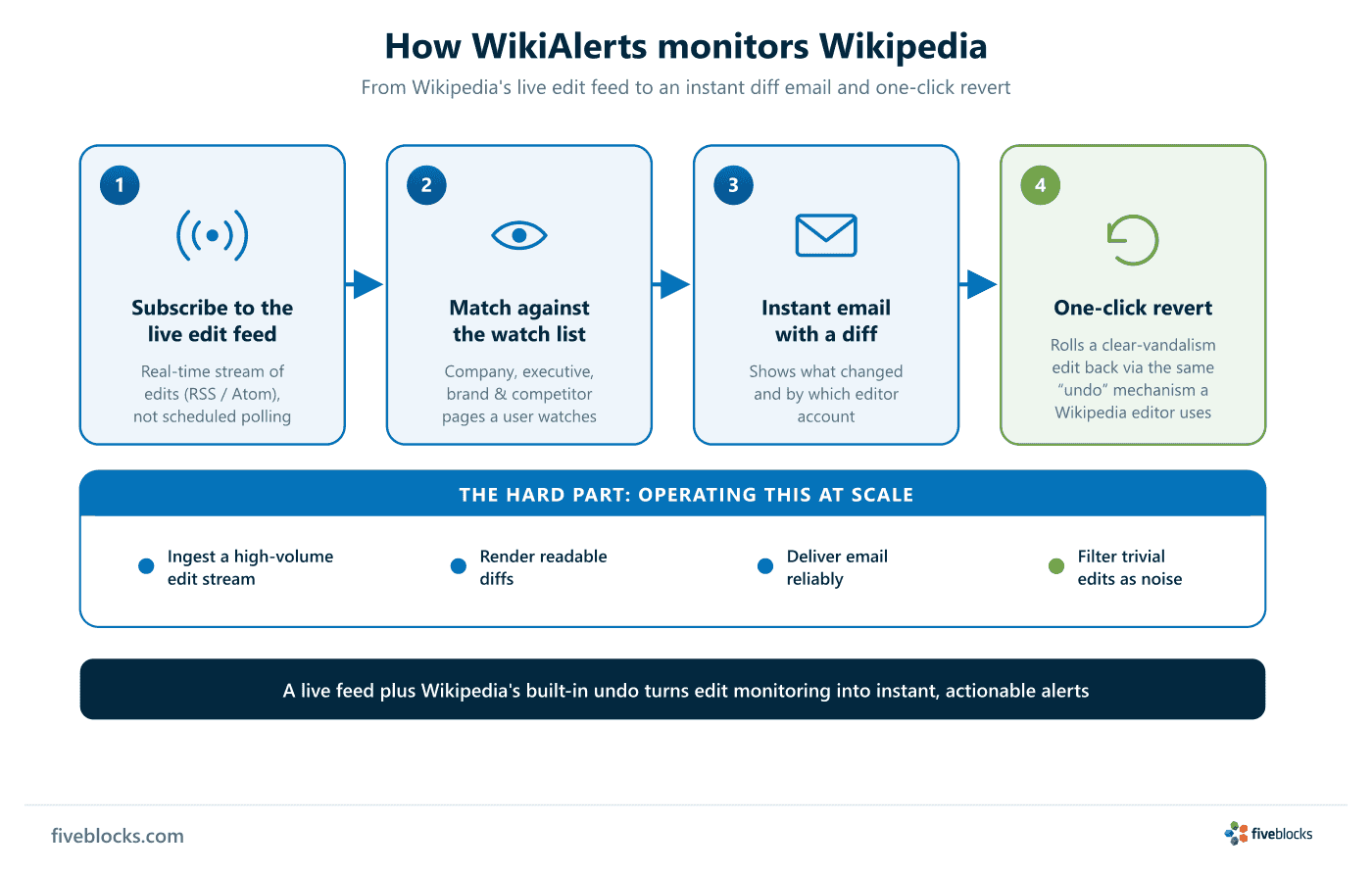
- Subscribe to the live edit feed. WikiAlerts reads Wikipedia’s real-time stream of edits instead of polling pages on a schedule, so it sees changes as they happen.
- Match against the watch list. Each incoming edit is checked against the pages a user is watching: their company page, executive biographies, brand pages, or competitor pages.
- Send an email with a diff. When a watched page changes, an email goes out showing what was added, removed, or changed, and by which editor account.
- One-click revert. If the change is clear vandalism, a revert option rolls the edit back through the same “undo” mechanism a Wikipedia editor would use.
Why it works, and where the difficulty is
The approach works because Wikipedia exposes its recent-changes stream as a public feed (available as RSS/Atom), and because the wiki software lets any editor undo a single edit directly from a page’s history or diff. The engineering sits in running that at scale: ingesting a high-volume edit stream, rendering readable diffs, delivering email reliably, and filtering out trivial changes such as reference reformatting so users are not flooded with low-value notifications.
Last reviewed: 19/05/2026