How do you set up Google Alerts effectively?
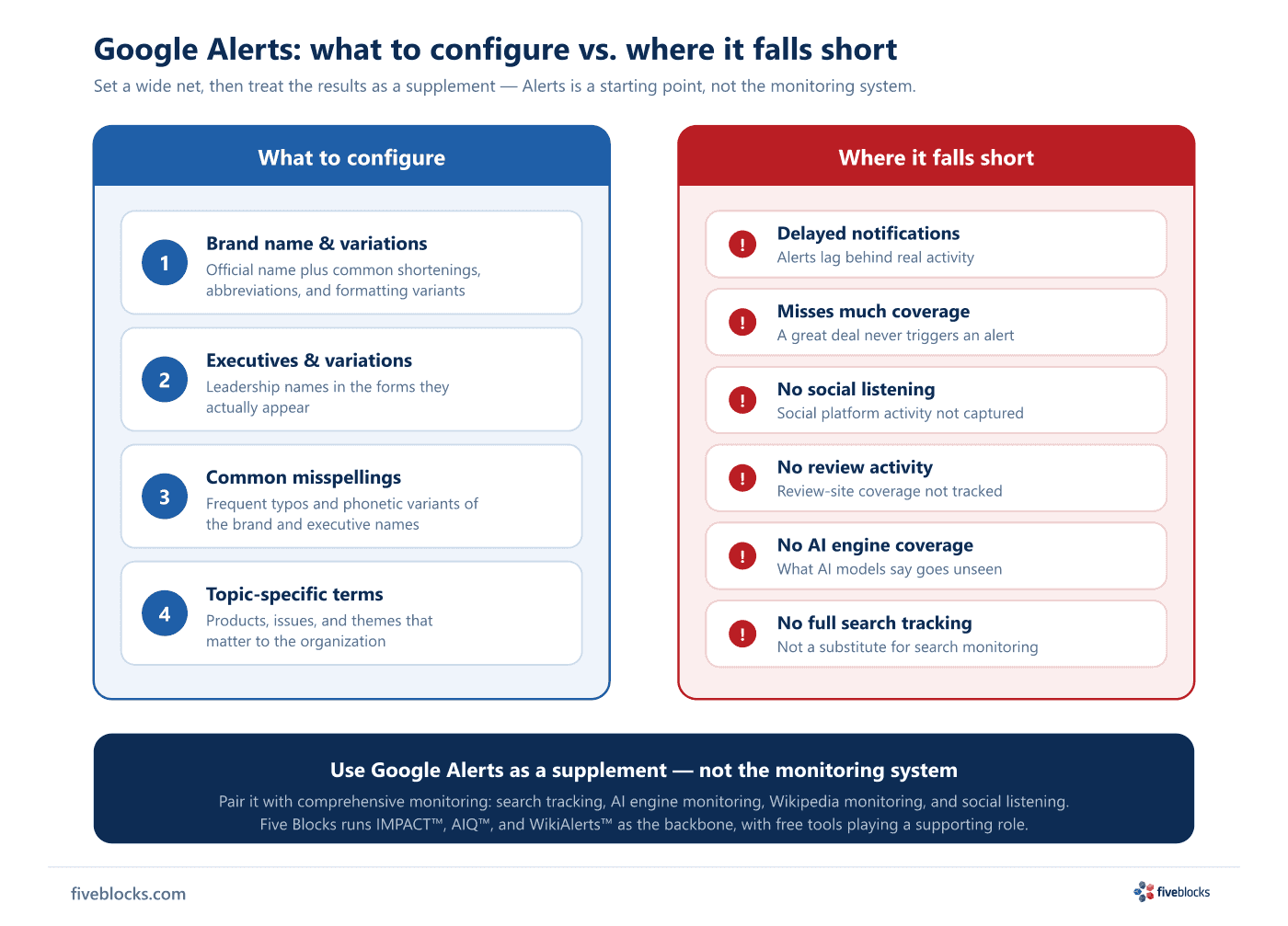
Set up Google Alerts for the brand and its variations, executive names and their variations, common misspellings, and topic-specific terms. Treat what comes back as a supplement: Alerts arrive late, miss a great deal of coverage, and do not cover social, review, AI, or full search activity, so it belongs alongside dedicated monitoring rather than in place of it.
Google Alerts is free and worth setting up, but it is a starting point rather than a program. Configuring it well means casting a wide net and knowing what the net misses.
What to configure
- Brand name and variations: the official name plus common shortenings, abbreviations, and formatting variants.
- Executive names and variations: leadership names in the forms they actually appear in.
- Common misspellings: the frequent typos and phonetic variants of the brand and executive names.
- Topic-specific terms: the products, issues, and themes that matter to the organization.
Where it falls short
Alerts is unreliable as a primary tool. Notifications arrive late, a great deal of coverage never triggers one at all, and it does not cover social, review, AI, or full search activity, so a program resting on it alone is partly blind. Use it as one input beside dedicated tools: search tracking, AI engine monitoring, Wikipedia monitoring, and social listening. Alerts will occasionally surface an item the structured tools miss, and that is the role it should have. Five Blocks runs monitoring through IMPACT™, AIQ™, and WikiAlerts™ as the backbone, with free tools like Alerts in support.
Last reviewed: 20/05/2026